
 ▶
▶Build circuits, connect electronic components, and bring projects to life with Arduino code in a live, hands-on weekly robotics class.
Choose your weekly class time
Join the waitlist
We’ll contact you when a spot opens.
Robotics with Arduino: Hands-On Circuits & Coding
Build it. Wire it. Code it. Make it work.
In this live weekly Arduino robotics and electronics class, students learn programming by building real circuits with an Arduino. Each week, we’ll connect electronic components, upload code, experiment with how they work, and turn them into fun hands-on projects.
Students might make lights react, detect movement with sensors, control motors, create sounds, use buttons and joysticks, display messages on an LCD, or build simple games.
This isn’t just coding on a screen. Students get to see their code interact with the real world.
🤖 What Will We Build?
Each week focuses on a different Arduino project or electronic component.
Projects may include:
- LEDs and RGB lights
- Buttons and switches
- Buzzers and sound
- Servo motors
- DC motors
- Motion sensors
- Light and sound sensors
- Joysticks
- Keypads
- LCD displays
- IR remotes and receivers
- Simon Says-style games
- Password-controlled projects
- Simple alarms
- Interactive circuits
- Beginner robotics challenges
Students learn what each component does, how to connect it safely, and how code tells the Arduino what to do.
⚡ Learn Electronics by Actually Building
Instead of only talking about concepts like inputs and outputs, students wire them up and see what happens.
What happens if we change this number?
What happens if we move this wire?
Can we make the light react to a sensor?
Can we make a motor move when someone enters the room?
Experimenting is part of the class.
Along the way, students naturally learn about concepts such as:
inputs · outputs · digital signals · analog values · variables · conditions · loops · sensors · motors · circuits · troubleshooting
💻 Coding + Physical Engineering
Arduino gives students immediate feedback.
Write some code.
Upload it.
Watch the circuit.
If the LED flashes, motor moves, or buzzer sounds—it worked!
If nothing happens, that’s when some of the best learning begins.
Students learn to investigate both sides of the project:
Is there a problem with our code, or is there a problem with our circuit?
That troubleshooting mindset is one of the most valuable skills students can develop in programming and engineering.
🔧 Troubleshooting Is Part of Robotics
A wire will eventually end up in the wrong breadboard row.
An LED will be backward.
Someone will accidentally use pin 6 instead of pin 5.
And sometimes everything looks right but absolutely nothing happens.
That’s normal.
Students can share their screens and show their circuits during class while the instructor helps them work through problems step by step.
The goal isn’t simply to copy a finished circuit. Students learn how to figure out why something isn’t working and how to fix it.
🌱 Do I Need Experience?
No previous Arduino, electronics, robotics, or coding experience is required.
Beginners are welcome.
Students learn how breadboards, wires, pins, electronic components, and Arduino code work as they complete projects.
More experienced students can experiment with the code and modify projects to do something different.
🗓️ Can Students Join at Any Time?
Yes.
This is an ongoing weekly class, but students don’t need to begin on a particular “Week 1.”
Each meeting focuses on a project or concept that can be completed independently, so new students can join whenever a spot is available.
We help new students get comfortable with their Arduino setup while returning students continue building their electronics and coding skills.
🧰 What Students Need
Students need their own Arduino-compatible electronics kit with the components required for that week’s project.
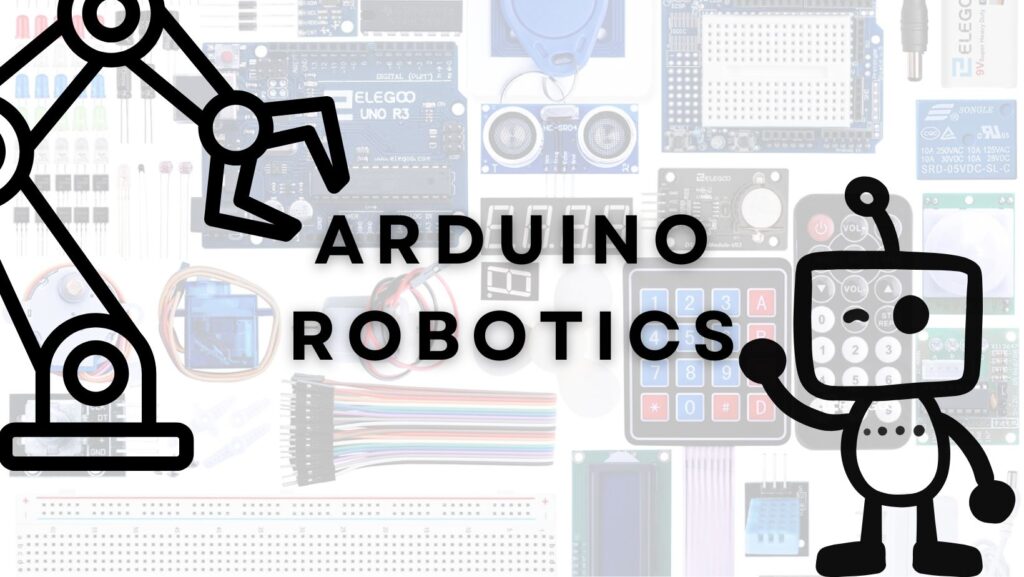
A typical Arduino starter kit contains an Arduino-compatible board, breadboard, jumper wires, LEDs, resistors, buttons, sensors, motors, buzzers, and other components used throughout the class.
Students also need:
- A compatible computer
- USB connection for the Arduino
- Arduino programming software
- Zoom
- Reliable internet
- Space to build their circuit
An Arduino kit is not included with class enrollment and must be purchased separately.
I’d also provide parents with your recommended kit before their first class so they don’t accidentally buy a tiny Arduino board with none of the components needed for the projects.
🧠 More Than Following Instructions
Students will have a project to follow, but they’re encouraged to experiment.
Once something works, we can ask:
Can you change it?
Make the light flash faster.
Change the servo position.
Create a different sound.
Add another button.
Change what happens when the sensor detects something.
Those small experiments are where following a tutorial starts becoming engineering.
👩🏫 Live Help When You Need It
Electronics can be frustrating when you’re learning alone because a tiny wiring mistake can stop an entire project.
In a live class, students don’t have to stare at a breadboard wondering what went wrong.
We can troubleshoot together using Zoom, screen sharing, and the student’s camera when necessary to look at their circuit.
Students can ask questions throughout class and see how other students approach the same project.
❓ Frequently Asked Questions
Does my student need previous coding or robotics experience?
No. Beginners are welcome. We introduce both Arduino coding and electronics as students work through projects.
Can my student join if the class has already started?
Yes. Students can join at any time. Each week’s project is designed to stand on its own, so there isn’t a Week 1 they have to wait for.
Do we need to buy an Arduino?
Yes. Students need an Arduino-compatible electronics kit. The hardware is purchased separately and is not included in the class price.
What if my student’s circuit doesn’t work?
That’s expected sometimes! Troubleshooting is part of electronics. The instructor can help students check their wiring, components, code, and Arduino connection.
Where does class meet?
Classes meet live through Zoom. Students can use screen sharing for coding problems and their camera when the instructor needs to help inspect a circuit.
Is this a robotics class or a coding class?
It’s both. Students learn programming while using code to control real electronic components such as lights, sensors, buzzers, displays, and motors.
Does my student need the Arduino software installed before class?
Yes. We recommend setting up the Arduino and required software before the student’s first meeting so class time can be spent building and coding.
What if my student already knows Arduino basics?
They’re welcome to customize projects, experiment with the code, and explore more advanced ways of using the components.